
Case Study
Technical TroubleshootingDuring Online Sessions
A step-by-step guide for educators fixing tech problems mid-session without losing teaching time.
- Audience
- Online educators
- Format
- Troubleshooting guide
- Delivery
- Self-paced module
Live online classes break for connection issues, login errors, wrong assignments, and other routine failures. Without a shared approach, every teacher improvises and support fields the same tickets.
This guide gives educators a fixed order of operations: identify the problem, apply the immediate fix, know when to escalate, and keep the session moving.
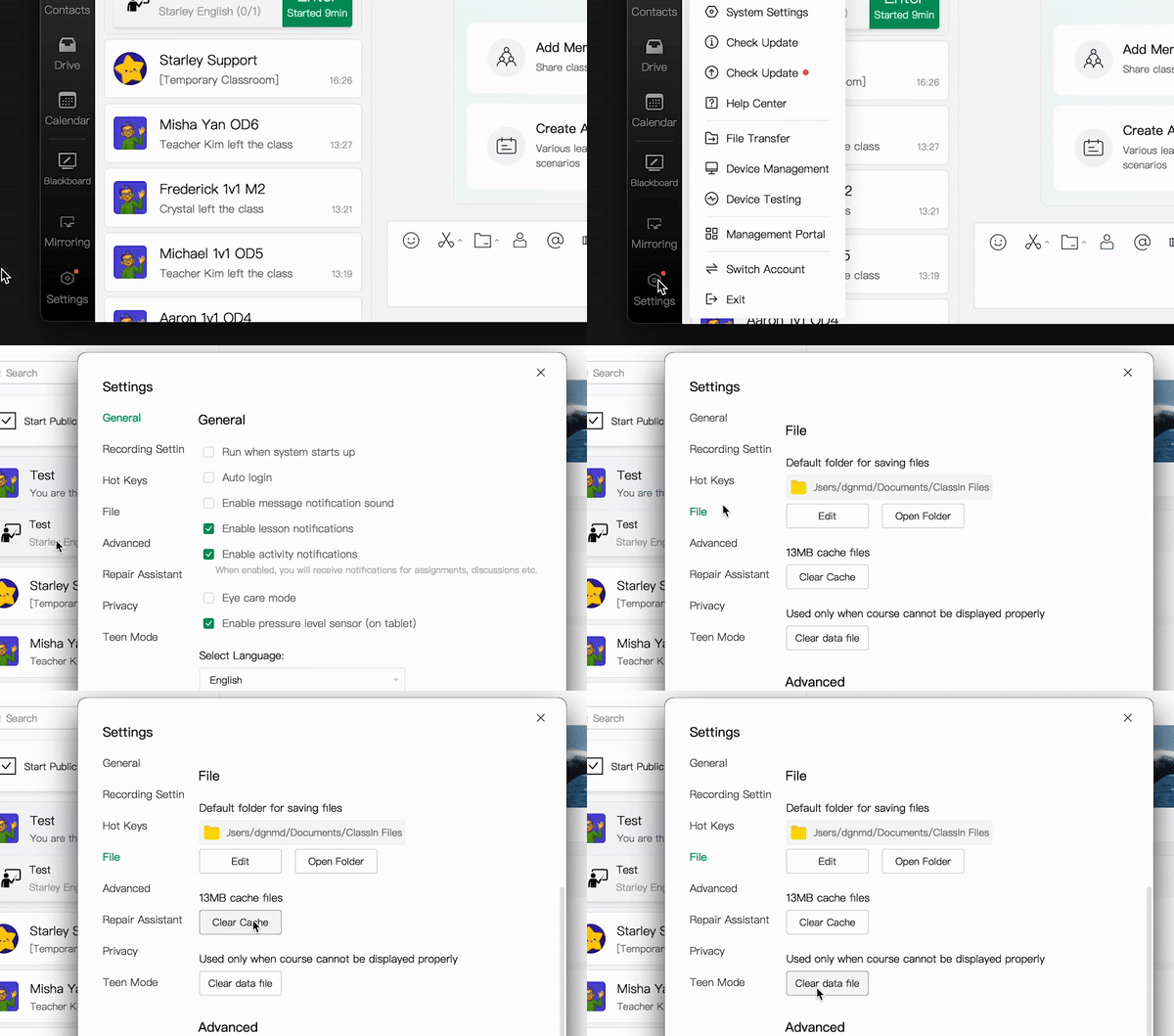
Brief
Who it's for
Online educators running live sessions. Mixed technical confidence, need answers fast while class is in progress.
Challenge
Replace ad-hoc troubleshooting with a short, repeatable workflow teachers can follow under pressure.
Features
Issue-based modules
Connection problems, login errors, assignment mix-ups: each gets its own focused lesson.
Scenario practice
Real session situations walk teachers through spotting the pattern and applying the fix.
Escalation path
Clear rules for when to stop troubleshooting and how to hand off to support.
Process
Research
Reviewed support tickets and interviewed educators. Worked with IT to map recurring issues and verify the correct fixes.
Design
Organized content by issue type and built decision-tree flows for diagnosis. Navigation stays scannable when someone is mid-session.
Build
Scenario-based lessons, knowledge checks, and clear escalation steps in the finished module.
04Tools
- Storyline 360

- Illustrator

Result
Teachers work through common issues on their own mid-session, with less downtime and fewer repeat support requests.